How to automate ecommerce business tasks: choose one reversible lane
A task-first guide to automating ecommerce business work: score one lane, map its inputs, test the handoff, and keep consequential decisions human-approved.
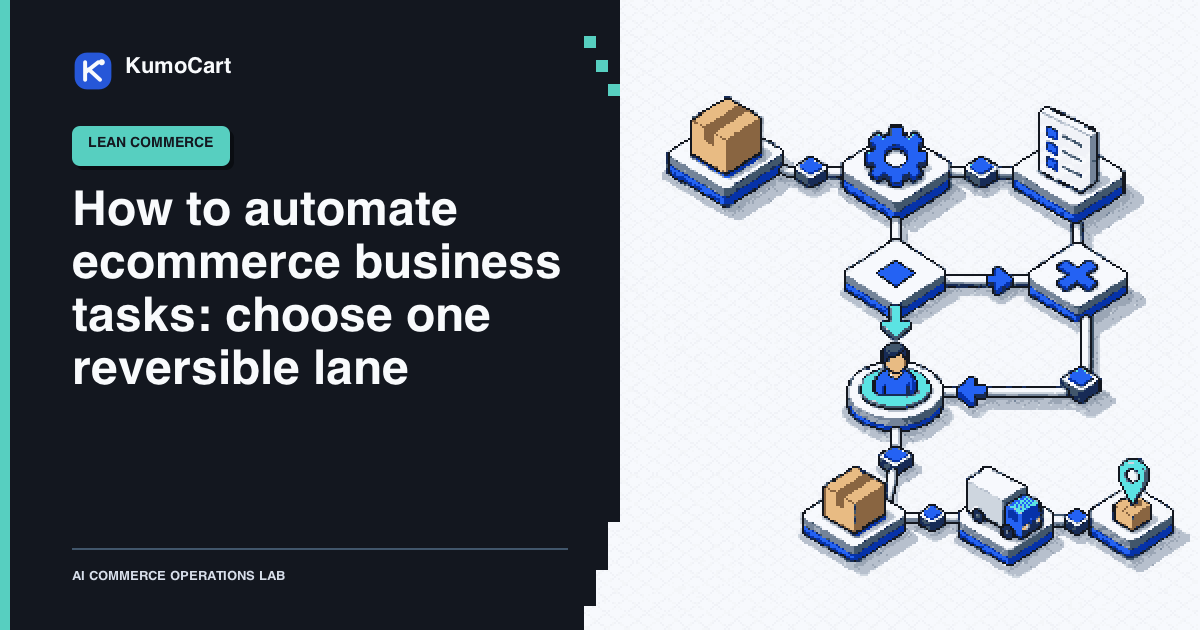
The best first step to automate ecommerce business tasks is usually smaller than a full store workflow. Choose one repeated task, make its decision boundary visible, and automate only the part that is easy to observe and undo.
This guide gives you a practical sequence: score the task, map its handoff, choose the lightest automation mode, test it, and decide whether to keep or stop. It is a source-reviewed operating model, not a KumoCart test or a promise of higher revenue, conversion, or productivity.
If you need the wider definition first, read what lean ecommerce means. This page focuses on the next decision: which piece of work should become your first automation lane?
Start with a task, not a tool
Write down the work as an operator experiences it. Avoid starting with an app or an AI feature. Start with a repeated situation:
When this signal appears, what does the operator inspect, what decision do they make, and what happens next?
Examples include routing a delivery exception to a queue, adding an internal tag after a known event, preparing a product-data review, or drafting a response for approval. These are starting points, not promises that every store has the same data or connector.
Lean Enterprise Institute guidance on value-stream mapping is useful here because it makes the whole path visible: information, work, waiting, handoffs, and the customer outcome. Include the hidden steps that usually disappear from a tool demo, such as checking a second system, waiting for a reply, or copying a decision into a private note.
Score the first candidate
The following scorecard is a KumoCart editorial model. It is a prioritisation aid, not a validated performance formula. Give each candidate 0, 1, or 2 points for the first four questions:
| Question | 0 points | 1 point | 2 points |
|---|---|---|---|
| How often does it happen? | Rarely | Sometimes | Frequently |
| How stable is the rule? | Mostly judgment | Partly explicit | Explicit and repeatable |
| Can you observe the result? | No clear record | Partial record | Clear event and output |
| Can you reverse the first action? | Hard or impossible | Possible with effort | Easy to pause or undo |
Then apply two gates:
- Do you have the fields needed to make the decision, or will the workflow guess?
- What is the consequence of being wrong, including customer trust, cash, access, inventory, or a public claim?
Prefer a high-scoring task with a low consequence and a clear owner. A low-consequence notification can tolerate more noise than a customer-facing promise. If a task changes money, refunds, legal text, permissions, inventory overrides, or destructive state, make the human checkpoint part of the design from the first draft.
For a broader operating rhythm, see the one-person Shopify operating system. This page narrows that model to one decision about work in the queue.
Map the lane before automating it
Fill in these fields using the current process, not the ideal process:
| Field | What to record |
|---|---|
| Trigger | The event or request that starts the work |
| Authoritative record | The system or document trusted for this object |
| Inputs | The exact fields needed to interpret the event |
| Operator decision | The choice a person makes today |
| Repeatable part | The step that can be written as a rule or bounded proposal |
| Output | Tag, notification, draft, queue item, or approved write |
| Exception | Missing, stale, duplicated, or conflicting information |
| Human owner | The person who approves, pauses, or recovers the work |
This map prevents a common failure: automating the visible action while leaving the policy, source of truth, and exception path undefined. Lean Enterprise Institute’s information-flow guidance also gives a useful lens for finding delays and unnecessary handoffs before adding another system.
Choose the lightest automation mode
Use the least autonomous mode that solves the immediate problem:
- Assist: gather context or draft an output for a person.
- Recommend: propose a decision with the evidence and uncertainty visible.
- Execute a rule: perform a reversible action when explicit conditions match.
- Delegate within limits: complete several bounded steps, then stop at a policy or permission boundary.
For a stable event rule in Shopify, Flow documentation describes a workflow in terms of triggers, conditions, and actions. That is a useful shape for deterministic work. Creating a workflow also starts with the trigger and makes the configured conditions and actions inspectable.
Use AI where the work is genuinely interpretive, such as summarising a case, classifying a request, or drafting a response. Return a bounded proposal with the source fields, the proposed output, and a clear handoff. Do not ask a model to invent a customer policy while it is also changing the customer record.
The Shopify Flow tool record can help you check the current fit and limitations of one implementation. The decision should still come from your task map, not from a feature count.
Test the handoff, not just the happy path
Before activation, prepare a small case set:
- a normal case;
- a missing-field case;
- a duplicate or repeated event;
- a boundary case that should stop for review;
- a connector or source-of-truth failure;
- a case where the proposed action must be reversed.
Shopify’s workflow testing guidance says tests can use recorded or simulated events without taking live actions. It also notes that some external actions can show only a configuration preview during a test. Treat that as one layer of verification, then inspect the actual destination, permission, notification, and recovery path before promotion.
Run the first version in observation or draft mode when possible. Compare each proposal with the operator’s decision and record why they differ. A workflow that executes successfully but creates a noisy queue, a wrong write, or an unsupported promise is not ready to expand.
Put rollback and ownership in the design
Every lane should answer these questions before it is considered live:
- What is the first visible failure signal?
- Who reviews the exception?
- Which actions require approval every time?
- How is the workflow paused?
- What can be reversed, by whom, and from which record?
- What change would require another test run?
Keep the output small at first. An internal tag, notification, draft, or queue item usually gives you more information about the rule than a broad write. Do not treat a successful run count as proof of value. Track maintenance time, review time, false positives, false negatives, connector failures, and reversals.
Use exceptions as the improvement loop
Keep an exception log with the trigger, evidence, decision, owner, impact, and next change. Review it on a fixed cadence. Baymard’s ecommerce UX research guide recommends matching a method to the question, documenting findings consistently, assigning severity, prioritising fixes, and checking the result again. Apply that discipline to automation exceptions without claiming that it produces a particular merchant outcome.
At the review, choose one of four decisions:
- keep the lane as written;
- narrow the trigger or permission;
- pause it while the rule or source is repaired;
- remove it because its maintenance cost exceeds its useful work.
The one-page decision card
Use this card for the first task you want to automate:
Customer outcome:
Task and frequency:
Trigger:
Authoritative record:
Required inputs:
Operator decision:
Repeatable part:
First reversible output:
Boundary that requires approval:
Failure signal:
Human owner:
Pause or rollback path:
Review date:
If you want the full sequence for Shopify work, continue with how to automate a Shopify store without automating bad decisions. The practical goal is not the highest automation count. It is a smaller operating system with visible rules, safer handoffs, and a named person who can stop the system when the facts no longer fit.
Frequently asked questions
What ecommerce business tasks should I automate first?
Start with a frequent, observable, reversible task whose inputs and rule can be written down, such as internal routing, tagging, notification, or queue creation.
Should I automate refunds or inventory changes?
Keep refunds, money movement, inventory overrides, permissions, customer promises, and destructive actions behind an informed human approval.
How do I know whether an automation is working?
Track the cases it received, the decision it proposed or made, exceptions, reversals, maintenance time, and the owner responsible for review.
Sources
- Shopify Flow help documentationShopify · official · Sep 13, 2026
- Getting started with Shopify FlowShopify · official · Sep 13, 2026
- Create a workflow in Shopify FlowShopify · official · Sep 13, 2026
- Testing a workflow in Shopify FlowShopify · official · Sep 13, 2026
- Value-stream mappingLean Enterprise Institute · research · Sep 13, 2026
- Information flowLean Enterprise Institute · research · Sep 13, 2026
- The definitive guide to ecommerce UX research and auditsBaymard Institute · research · Sep 13, 2026
Change log
- First source-reviewed edition. This task-selection model is editorial and has not been tested as a universal merchant system.